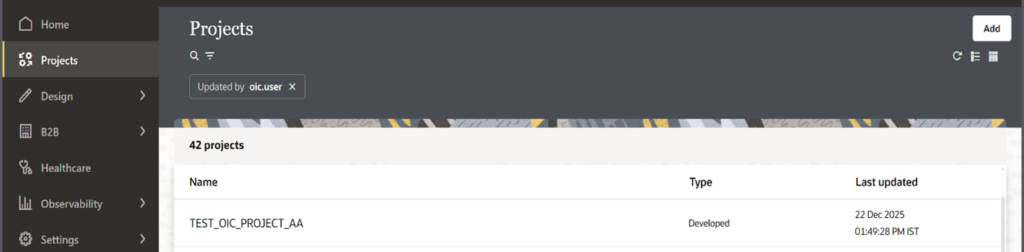
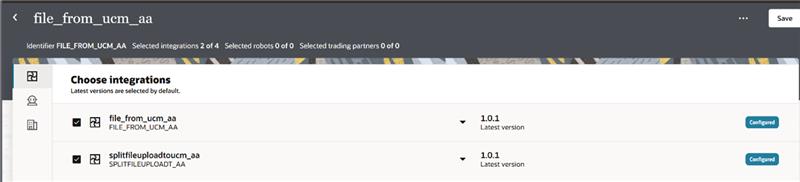
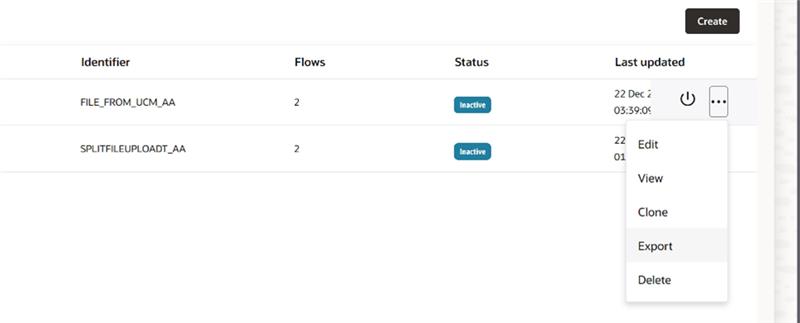
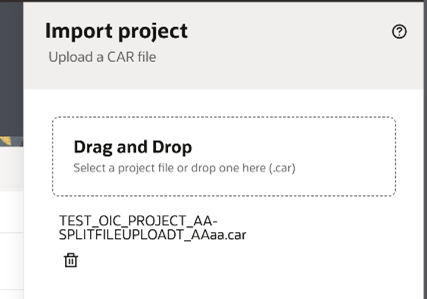
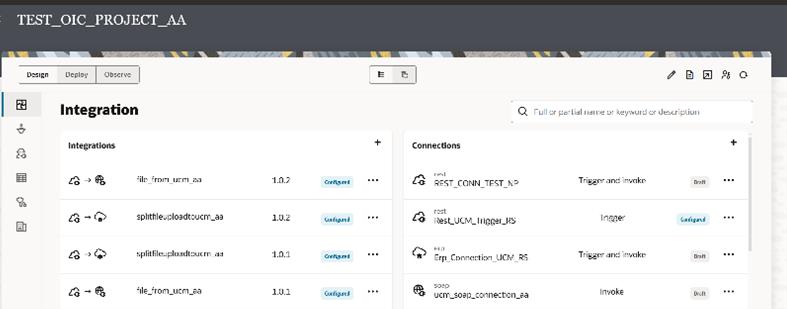
By Admin / January 12, 2026 PROJECT MIGRATION (OIC GEN3) Login to Oracle Integration Cloud (Gen3) Navigate to Projects 3. Open the required Project 4. Select Deploy and then click on create 5. From the list of projects artifact:Select only the required integrations Leave other integrations unchecked 6. Save the deploy configuration 7. Click Export 8. Export the CAR file (Cronical archive file). It is a compressed archive used for migrating integration projects 9. Login to the Target Oracle Integration Cloud (Gen3) Environment and navigate to projects and Select add to import the exported CAR file. 10. Selected integrations were successfully migrated and imported via the CAR file